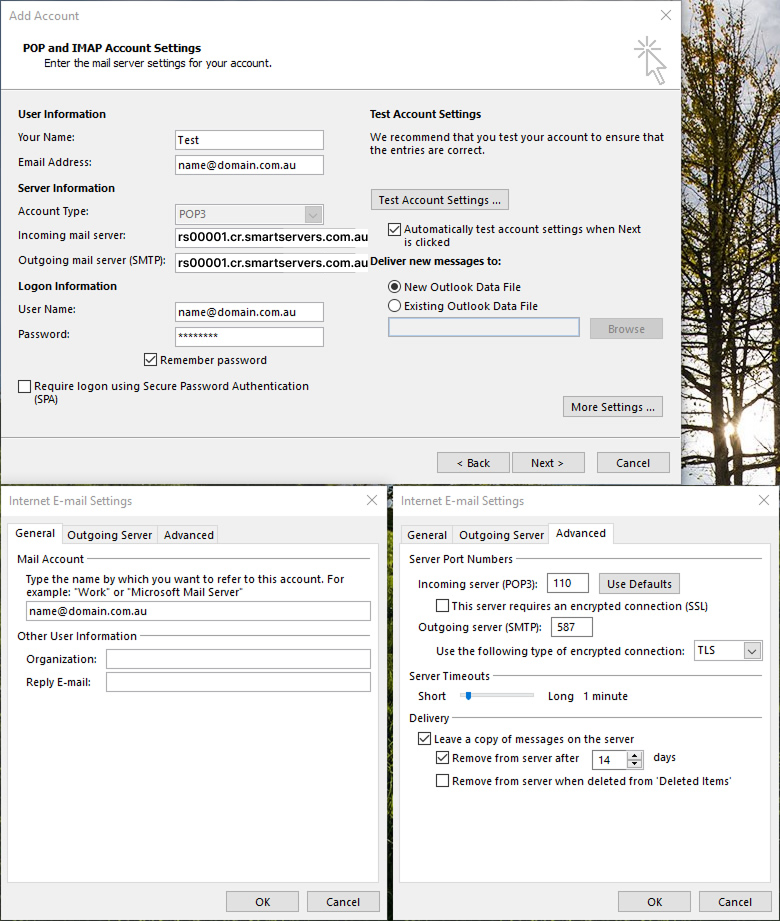
Email Setup

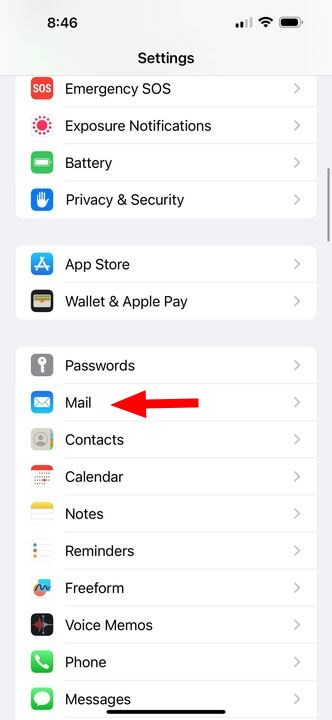
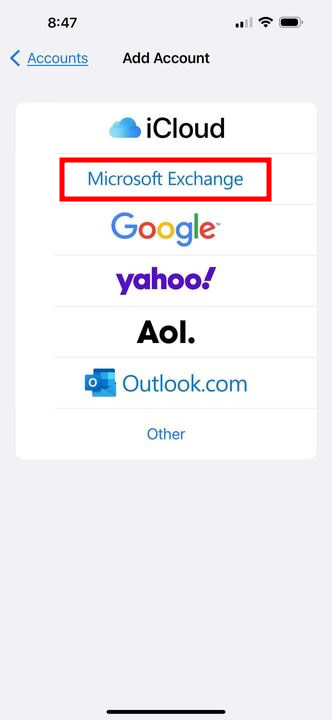
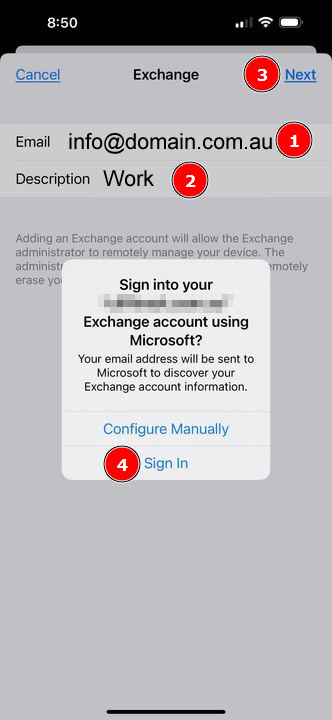
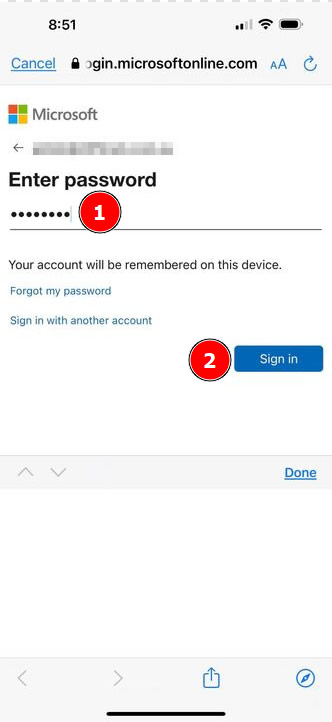
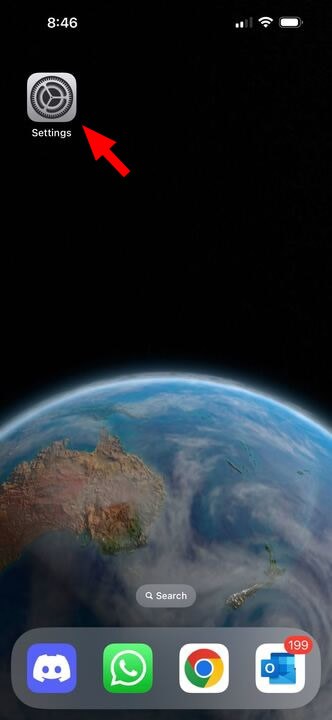
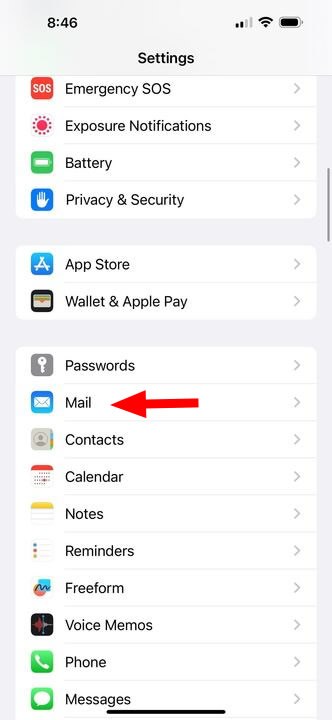
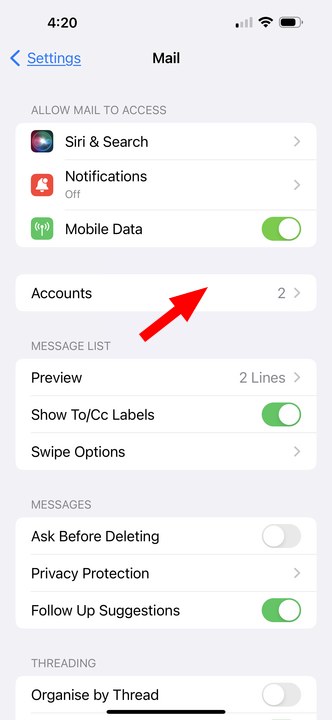
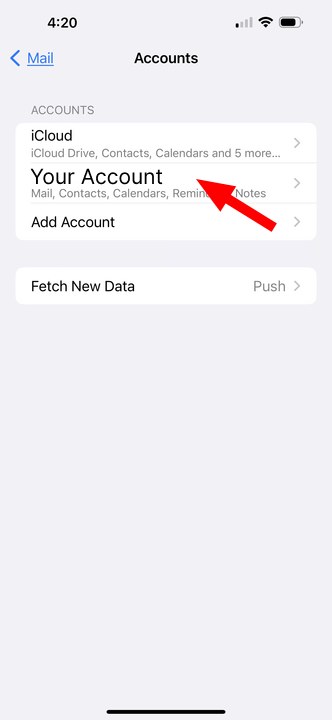
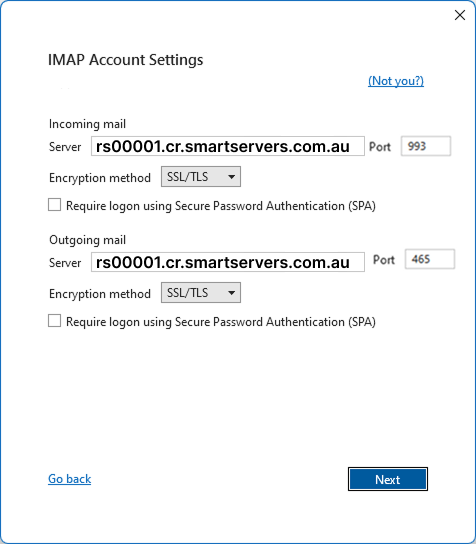
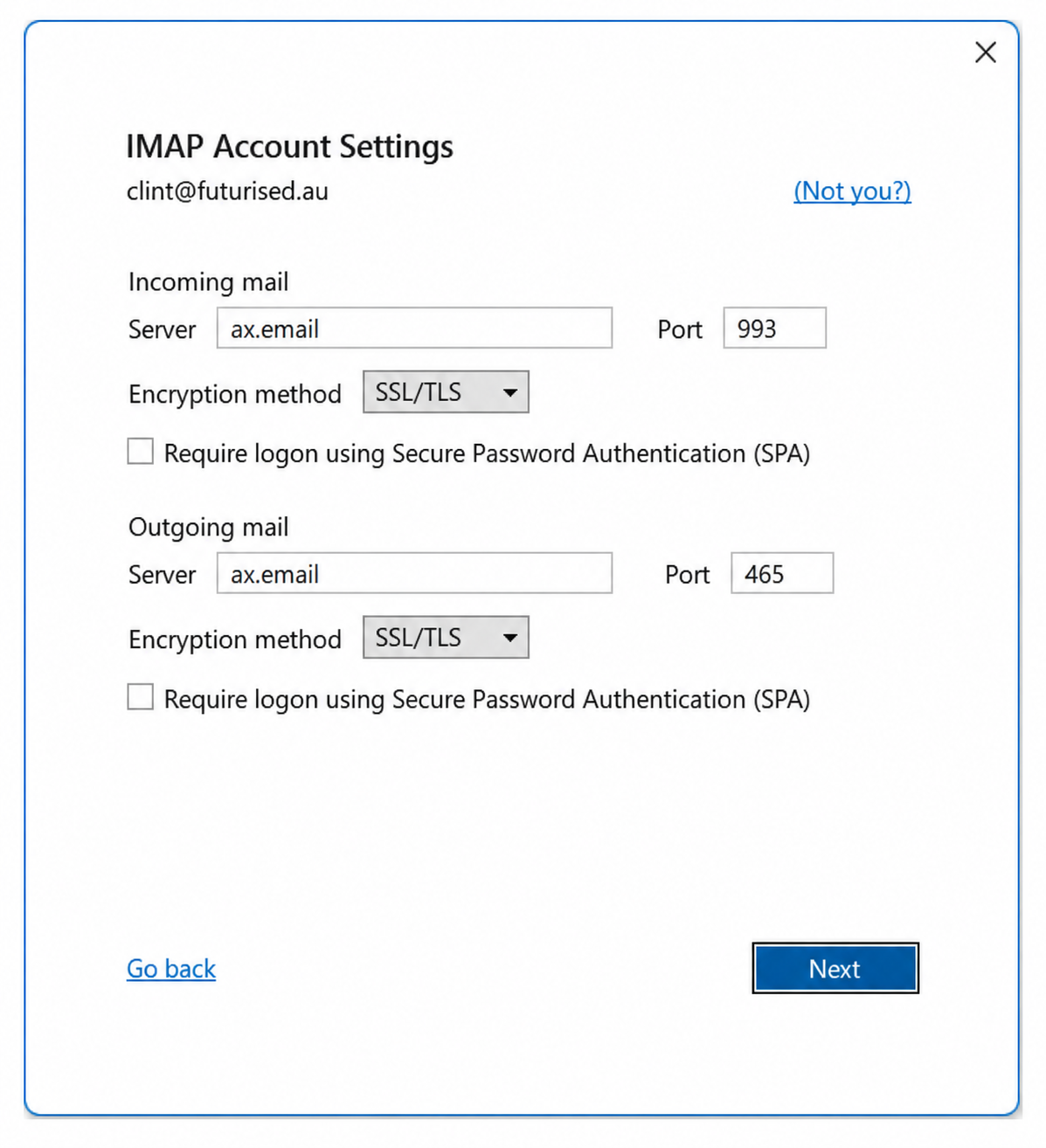
Incoming Mail Server: ax.email
Outgoing Mail Server: ax.email
Incoming IMAP Port: 993 - Encryption: SSL/TLS
Outgoing SMTP Port: 465 - Encryption: SSL/TLS
Encryption method: SSL/TLS
Outgoing Mail Server: ax.email
Incoming IMAP Port: 993 - Encryption: SSL/TLS
Outgoing SMTP Port: 465 - Encryption: SSL/TLS
Encryption method: SSL/TLS
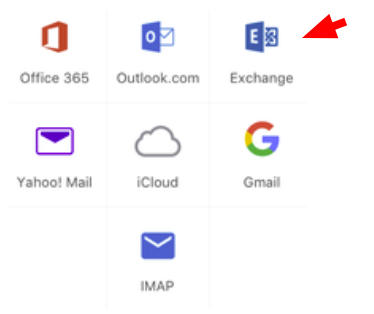
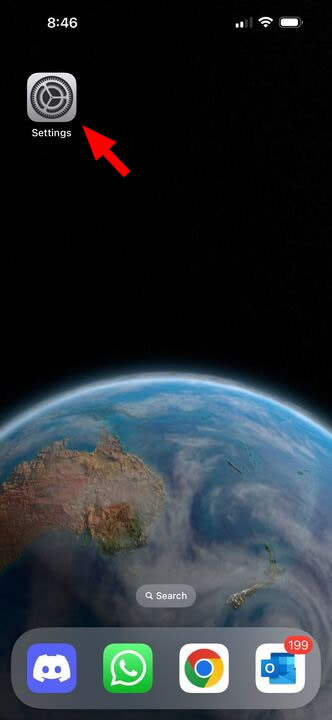
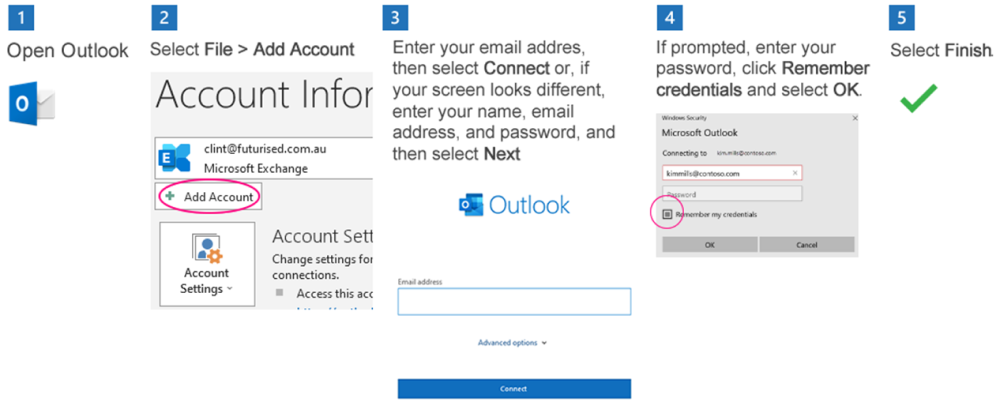
Ax.Email IMAP Outlook Setup
Webmail - Access email in your browser
Alternative connection method
Only use these settings if the recommended ax.email SSL connection does not work.
Incoming Mail Server: mail.YOURDOMAIN.com
Outgoing Mail Server: mail.YOURDOMAIN.com
Incoming IMAP Port: 143 (No encryption)
Outgoing SMTP Port: 587 (or 25) (No encryption)
Encryption method: None
Outgoing Mail Server: mail.YOURDOMAIN.com
Incoming IMAP Port: 143 (No encryption)
Outgoing SMTP Port: 587 (or 25) (No encryption)
Encryption method: None
The dedicated server does not issue an SSL certificate for your domain name. Do not enable SSL or TLS when using mail.YOURDOMAIN.com. Using ax.email with SSL remains the recommended method.
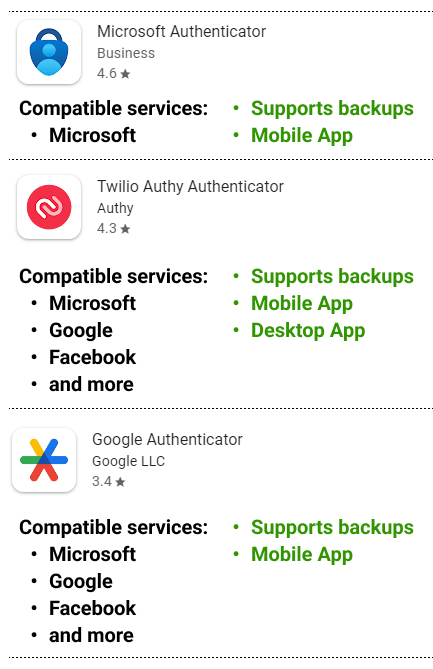
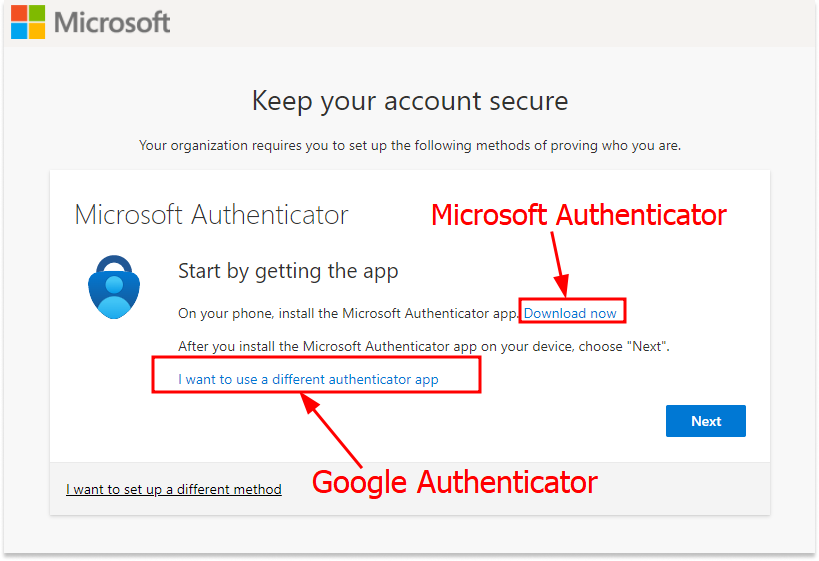
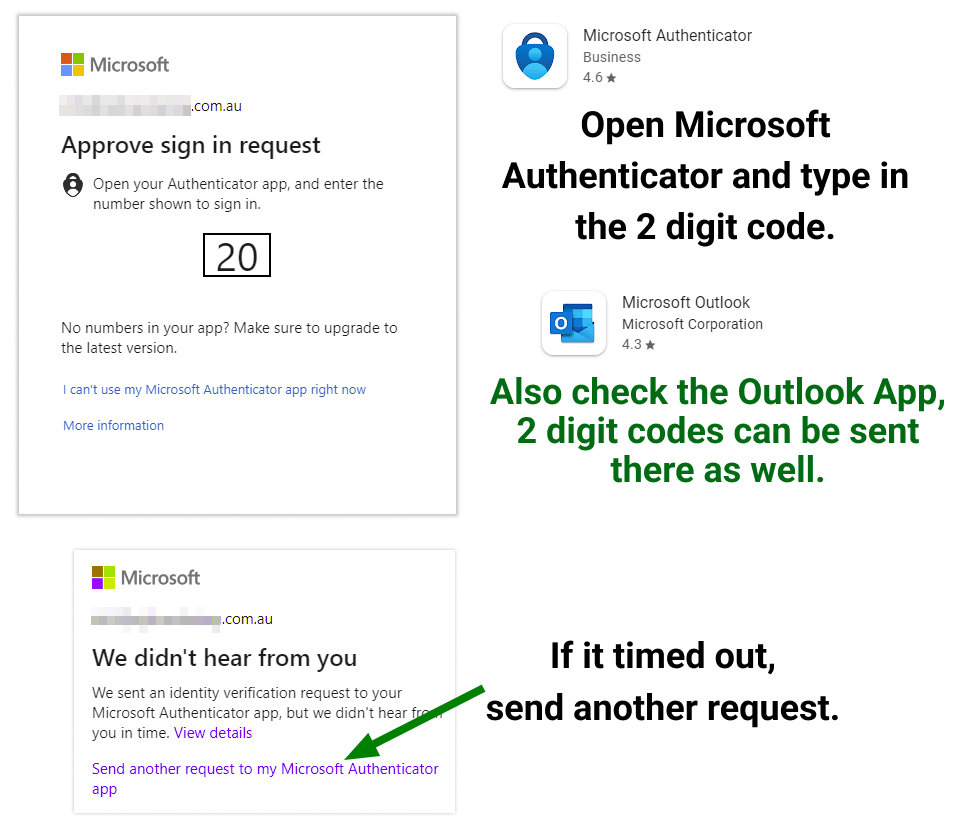
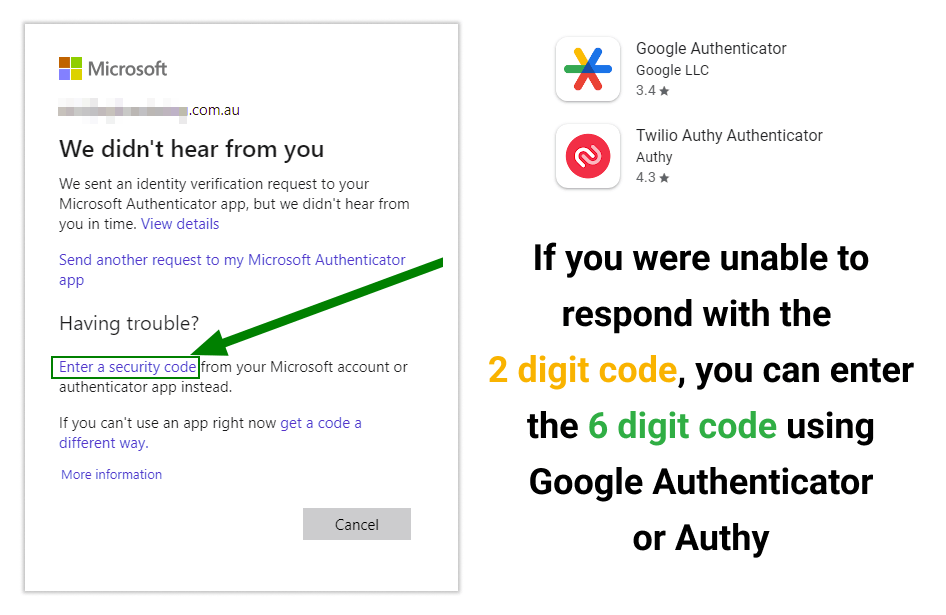
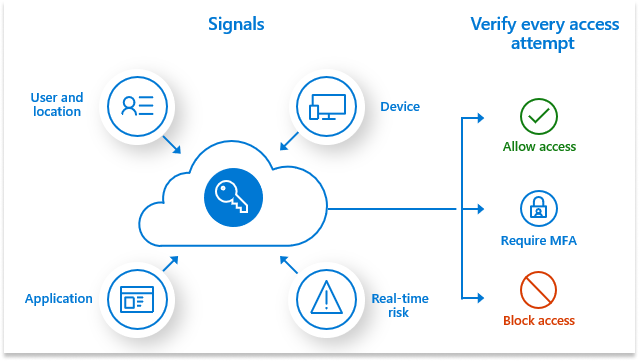
Setup MFA (multi-factor authentication)
Pricing
More settings: R1 Email